


Page 37 - Abbott
P. 37
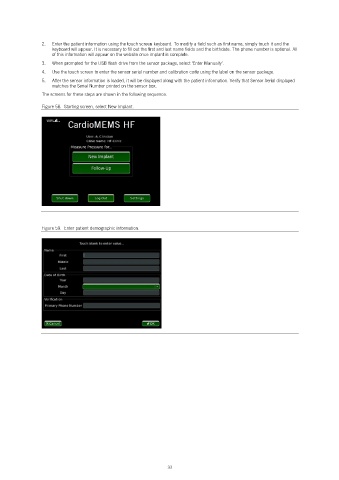
2.   Enter the patient information using the touch screen keyboard. To modify a field such as first name, simply touch it and the
                   keyboard will appear. It is necessary to fill out the first and last name fields and the birthdate. The phone number is optional. All
                   of this information will appear on the website once implant is complete.
                3.   When prompted for the USB flash drive from the sensor package, select ‘Enter Manually’.
                4.   Use the touch screen to enter the sensor serial number and calibration code using the label on the sensor package.
                5.   After the sensor information is loaded, it will be displayed along with the patient information. Verify that Sensor Serial displayed
                   matches the Serial Number printed on the sensor box.
                The screens for these steps are shown in the following sequence.

                Figure 58.  Starting screen, select New Implant.


                Figure 59.  Enter patient demographic information.


                                                            33

