


Page 22 - Abbott
P. 22
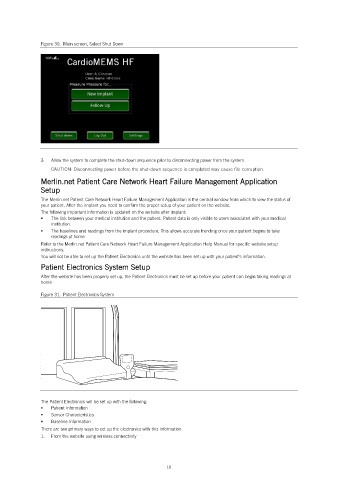
Figure 30. Main screen, Select Shut Down
3. Allow the system to complete the shut-down sequence prior to disconnecting power from the system.
CAUTION: Disconnecting power before the shut-down sequence is completed may cause file corruption.
Merlin.net Patient Care Network Heart Failure Management Application
Setup
The Merlin.net Patient Care Network Heart Failure Management Application is the central window from which to view the status of
your patient. After the implant you need to confirm the proper setup of your patient on the website.
The following important information is updated on the website after implant:
The link between your medical institution and the patient. Patient data is only visible to users associated with your medical
institution.
The baselines and readings from the implant procedure. This allows accurate trending once your patient begins to take
readings at home.
Refer to the Merlin.net Patient Care Network Heart Failure Management Application Help Manual for specific website setup
instructions.
You will not be able to set up the Patient Electronics until the website has been set up with your patient’s information.
Patient Electronics System Setup
After the website has been properly set up, the Patient Electronics must be set up before your patient can begin taking readings at
home.
Figure 31. Patient Electronics System
The Patient Electronics will be set up with the following:
Patient Information
Sensor Characteristics
Baseline Information
There are two primary ways to set up the electronics with this information.
1. From the website using wireless connectivity
18

