


Page 14 - Abbott
P. 14
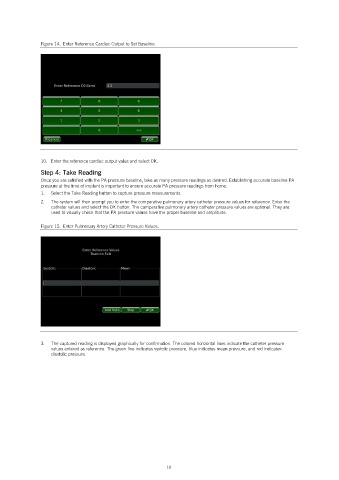
Figure 14.  Enter Reference Cardiac Output to Set Baseline.


               10.  Enter the reference cardiac output value and select OK.
               Step 4: Take Reading
               Once you are satisfied with the PA pressure baseline, take as many pressure readings as desired. Establishing accurate baseline PA
               pressure at the time of implant is important to ensure accurate PA pressure readings from home.
               1.   Select the Take Reading button to capture pressure measurements.
               2.   The system will then prompt you to enter the comparative pulmonary artery catheter pressure values for reference. Enter the
                   catheter values and select the OK button. The comparative pulmonary artery catheter pressure values are optional. They are
                   used to visually check that the PA pressure values have the proper baseline and amplitude.

               Figure 15.  Enter Pulmonary Artery Catheter Pressure Values.


               3.   The captured reading is displayed graphically for confirmation. The colored horizontal lines indicate the catheter pressure
                   values entered as reference. The green line indicates systolic pressure, blue indicates mean pressure, and red indicates
                   diastolic pressure.


                                                            10

